API Keys
You can create API Keys to trigger Talkr Voice Agents programmatically.
The option to create API Keys is in https://talkr.intelstacks.com/api-keys if you are using the hosted version, or http://localhost:3010/api-keys if you are using the self-hosted version.
API Keys
API keys can be used to trigger a voice agent from an external system, like n8n or programmatically from your other workflows. In order to generate that, you can go to /api-keys and create a new key.
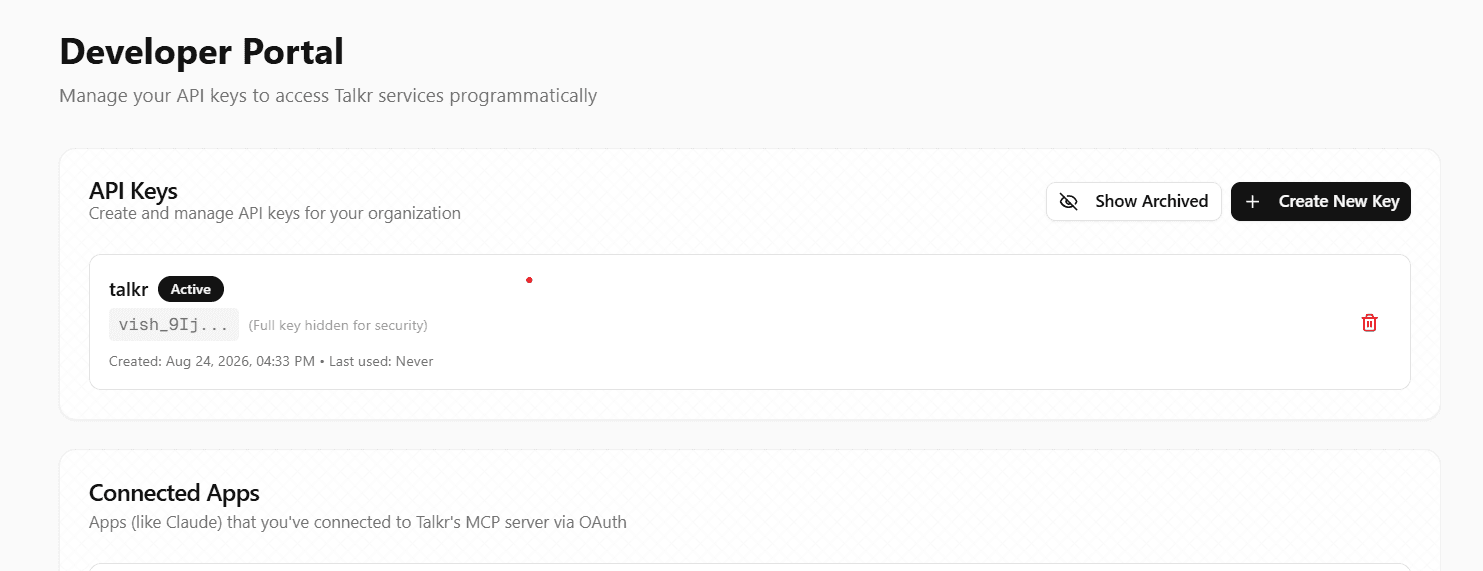
Please note that you must copy and keep the API key secretly, since this is the only time that you would be able to copy it. If you lose it, you can always delete that, if its not being used anywhere, and create a new API key.
Transcriber
Voice Agents use STT (Speech to Text), to transcribe what the user speaks. This transcribed speech as text goes into an LLM to generate the response that gets played out to the user.
Credentials
Store, rotate, and revoke the API keys and tokens your agents use to authenticate calls to your own systems.